
Parth Parmar
No Code
June 25, 2025


Insights, ideas, and expert perspectives shared by the author on design, development, and digital growth.
Webflow is mainly a website builder. It combines design, customization, and hosting. It is a traditional Content Management System (CMS). It enables users to oversee and release content with simplicity. The platform's visual editor creates clean HTML, CSS, and JavaScript code. It's for users without a programming background.
Webflow's versatility allows users to create various types of websites, including:
Webflow is also a powerful CMS. It lets users create, edit, and publish content without a developer.
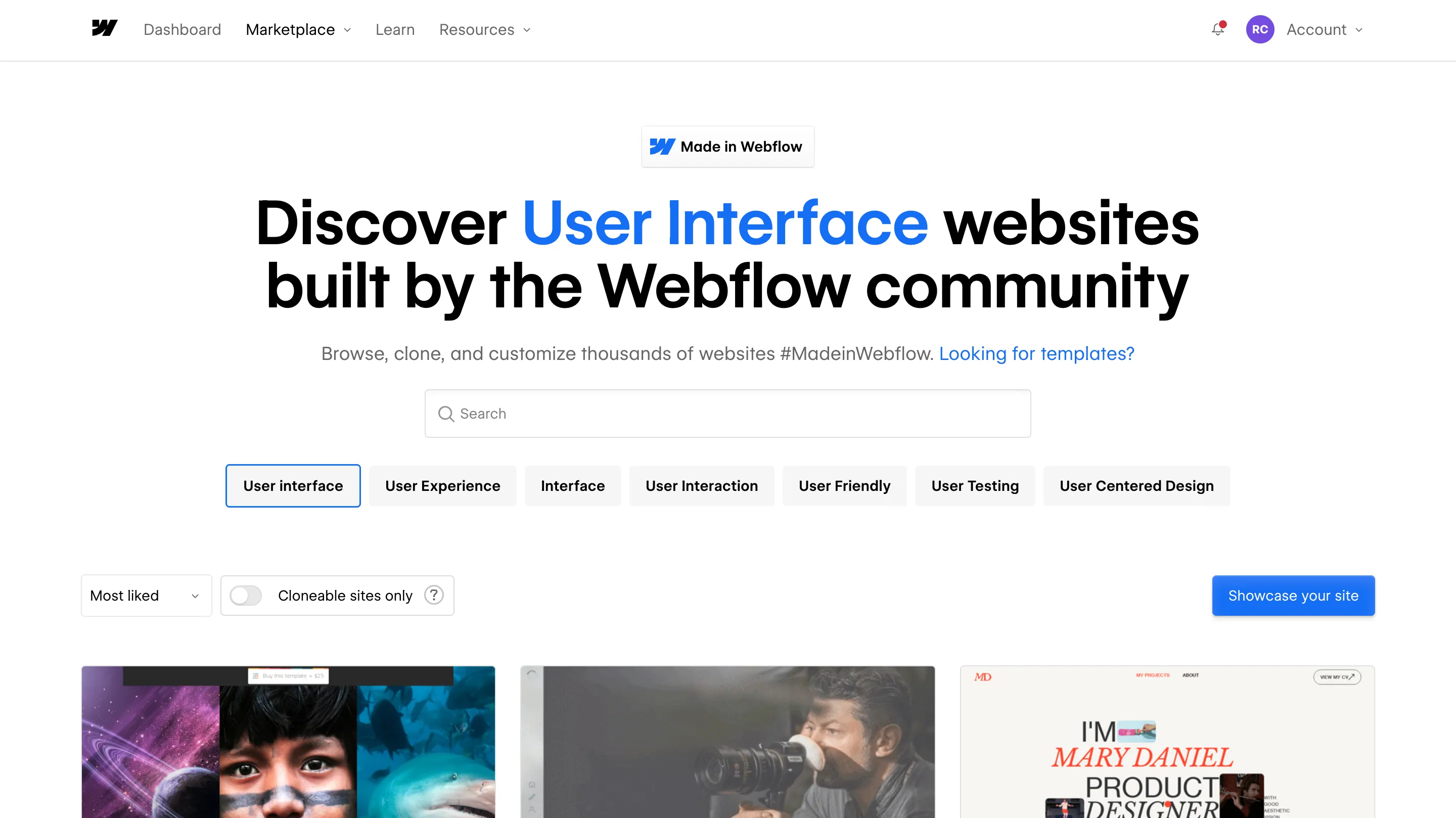
Webflow allows users to update content on the page directly. This makes it easy for anyone in an organization to make changes. It's great for businesses that need to update their websites often, without developers.
The platform generates clean, semantic code. It follows web best practices. This improves SEO and accessibility. Users make code changes themselves to achieve customized results.
Webflow's ecommerce features empower users to build complete digital marketplaces. It supports product management and custom checkouts. It integrates with services like Google Analytics to track sales.
Webflow optimizes for SEO. It has features to boost search engine rankings. Clean code, mobile design, and Google tool integration boost online visibility.
Webflow offers fast, reliable hosting with features like automatic backups and version control. It optimizes its infrastructure for high traffic. It suits businesses of all sizes.
In short, Webflow is a complete platform for new and skilled web designers. It has visual design tools, clean code, and a powerful CMS. So, it's great for anyone wanting to build a professional website. Webflow has the tools to bring your vision to life. This is true whether you're making a simple blog or a complex e-commerce site.
Figma is a cloud-based design tool primarily used for UI/UX design and prototyping. It allows designers to create high-fidelity mockups and collaborate in real-time with team members. Figma excels in the design phase, offering a range of features such as vector editing, prototyping, and design systems. Its cloud-based nature makes it easy to share designs and gather feedback from stakeholders.
Webflow is a powerful website builder that combines visual design with the ability to create fully functional websites without extensive coding knowledge. It allows users to design, build, and launch responsive websites all in one platform. Webflow offers advanced features for animations, interactions, and CMS capabilities, making it a popular choice for developers and designers looking to create dynamic websites.
- Figma is primarily focused on the design aspect of web projects. It is ideal for creating prototypes, wireframes, and visual designs. Designers can use Figma to collaborate and iterate on designs quickly.
- Webflow, on the other hand, is designed for building live websites. It allows users to take their designs from Figma (or any other design tool) and turn them into fully functional websites with responsive capabilities and hosting options.
Figma offers robust collaboration tools, enabling multiple users to work on a design simultaneously. This real-time collaboration is essential for teams working on complex projects, as it fosters immediate feedback and iteration.
Webflow has limited collaboration features compared to Figma. While it allows for some level of teamwork, it is primarily focused on the development side, making it less collaborative during the design phase.
Figma provides extensive design flexibility, with powerful vector editing tools and design components. It excels in creating detailed and visually appealing designs, which can be exported for development.
Webflow shines in its ability to translate designs into functional websites. It generates clean code, making it easier for developers to maintain and update sites. Webflow also includes built-in SEO features, which are crucial for online visibility.
In the debate of Figma vs Webflow, the choice ultimately depends on your specific needs. If your primary focus is on design and prototyping, Figma is the superior choice. However, if you are looking to build and launch a fully functional website, Webflow is the better option.
Both tools have their unique strengths, and many designers find success by using them in tandem—designing in Figma and then building in Webflow. By understanding the capabilities of each tool, you can make an informed decision that aligns with your web design goals.
Parth Parmar
June 25, 2025
When it comes to animating websites, two names keep cropping up repeatedly: GSAP (GreenSock Animation Platform) and Webflow. Both are amazing, but each has its own use case. Here's a comparison so that you can determine which one suits you best.
Webflow Animation: If you despise coding, Webflow is the solution. It's so simple to use—no coding at all. You can drag and click to create animations, and trigger such things as scrolls, clicks, or hover effects. If you simply need to throw something quick together, Webflow is ideal.
GSAP: GSAP is in JavaScript, so it's a little more involved. You'll have to be able to code in order to get the most out of it. But on the flip side, this does give you much greater control for your animations to get more high-level and creative effects. If you know how to program and desire the ability to fine-tune your animations, then GSAP will be a great option.
Webflow Animation: Webflow is fantastic for straightforward, everyday animations such as fades, scales, and smooth transitions. If you need something a lot more intricate, however, then it could be a little restrictive. It will not provide you with the precision in timing or sequence that you would likely require for more complex projects.
GSAP: This is where GSAP truly excels. You are either creating basic animations or intricate sequences, GSAP has got you covered. It's all up to you, and it will do it for you with ease for intricate animation like SVG, text animation, and even motion physics. For extra control when needed, GSAP comes to the rescue.
Webflow Animation: Webflow is great with basic animations, but once you begin layering on top of several interactions or heavy effects, you'll begin to see a performance hit. It isn't always the smoothest each time with more complex animations.
GSAP: GSAP is designed to perform. Even with even more complex animations, it remains slick. So if performance is the issue—particularly for more interactive or high-impact animations—GSAP will get the job done without taking your site down.
Webflow Animation: Webflow lets you animate on scroll events, but it's quite simple. It's tricky to alter the way the animation works, e.g., how much you must scroll before it kicks in or in which direction.
GSAP: With the ScrollTrigger plugin of GSAP, you have full control over all aspects of scroll animation. You get to define precisely when an animation begins, how it reacts when users scroll, and even how it deals with varying scroll velocities. If high-level scroll animation is on your agenda, GSAP is where you need to be.
Webflow Animation: Webflow animations are great in its design system, but having them appear amazing on any screen size is a problem. You will most likely need to invest additional time adjusting animations for tablet or mobile.
GSAP: GSAP is more dynamic, with features such as matchMedia(), whereby you can modify animations based on screen size. This makes it a lot simpler to have your animations looking stunning on any device.
Webflow Animation: Webflow handles the basics like fades, transitions, scales, and rotations. But if you want to play around with things like 3D effects, morphing, or complex text animations, you'll hit a wall.
GSAP: GSAP is full of top-level features. If you're animating SVGs, you have to create text effects, or if you're creating something even more innovative, GSAP got your back. If you're looking for next-level animation, GSAP lets you be as creative as you'd like.
If you want something quick and simple, Webflow is the route to take. But if you're working on a large project with high expectations, GSAP offers you the versatility and power to make beautiful, silky smooth animations that can make your site really stand out.
Duda: Designed for simplicity, Duda’s user interface is intuitive and straightforward. It’s an excellent choice for users with minimal design experience, especially agencies managing multiple client websites.
Webflow: Webflow offers a more sophisticated design interface with granular control over elements. While it has a steeper learning curve, it’s perfect for designers and developers looking for pixel-perfect customization.
Winner: Duda, for beginners; Webflow, for advanced users seeking full creative control.
Duda: Offers pre-designed templates optimized for responsiveness. Customization is limited compared to Webflow, but it’s sufficient for small to medium-sized businesses.
Webflow: Known for its design freedom, Webflow allows users to create completely custom layouts without relying on templates. Designers can manipulate every aspect of their website’s appearance.
Winner: Webflow, for its unparalleled design flexibility.
Duda: Provides basic SEO tools, including customizable meta tags, alt attributes, and schema markup. It’s user-friendly but lacks advanced SEO features.
Webflow: Webflow is built with SEO in mind. It offers advanced capabilities like clean semantic code, automated sitemaps, and 301 redirects. Comparing Duda vs Webflow, Webflow is better for SEO-focused projects.
Winner: Webflow, for its comprehensive SEO tools.
Duda: Excels in client management, allowing agencies to white-label their services and create custom dashboards for clients. Its team collaboration features are a standout.
Webflow: While Webflow offers client billing and content management through the CMS Editor, it lacks the robust white-labeling features of Duda.
Winner: Duda, for agency-focused tools.
Duda: Suitable for small e-commerce websites, Duda provides essential features like product catalogs and secure checkout processes.
Webflow: Webflow’s e-commerce tools are more advanced, offering customizable product pages, dynamic filters, and seamless integration with payment gateways.
Winner: Webflow, for scaling e-commerce needs.
Duda: Includes hosting with Google Cloud, ensuring fast load times and reliable uptime.
Webflow: Offers hosting powered by Amazon Web Services (AWS) and Fastly, ensuring blazing-fast speeds and global scalability.
Winner: Tie. Both platforms provide reliable hosting solutions.
Duda: Offers tiered pricing plans tailored for agencies and businesses. Its plans are cost-effective for managing multiple sites.
Webflow: Webflow’s pricing reflects its advanced capabilities. While it may be pricier, the features justify the cost for professional designers.
Winner: Duda, for affordability; Webflow, for value-driven features.
Choosing between Duda vs Webflow comes down to your specific needs:
Ultimately, both platforms shine in their respective niches. By understanding your project’s goals, you can confidently select the one that aligns with your vision.
Still undecided? Contact us for personalized advice on choosing the right platform for your website!
Global styles like classes and combo classes are powerful, but overusing or misusing them can lead to messy, unmanageable code.
Solution: Be intentional when naming classes and use a consistent naming convention. Consider adopting a system like BEM (Block-Element-Modifier) for clarity.
Webflow makes creating responsive designs easier, but it’s still possible to neglect how your site looks on different devices.
Solution: Regularly test your design on all breakpoints and ensure elements scale or adjust appropriately for mobile, tablet, and desktop.
SEO often takes a backseat during the design phase, resulting in poorly optimized sites that struggle to rank on search engines.
Solution: Use Webflow’s built-in SEO tools to optimize meta tags, alt texts, and headings. Ensure you structure content with proper hierarchy (e.g., H1 > H2 > H3).
Large, uncompressed images can slow down your website, affecting both user experience and SEO rankings.
Solution: Compress images before uploading them to Webflow. Use WebP formats for a balance of quality and performance.
Animations can enhance user experience, but overloading your site with complex or excessive animations can make it sluggish and distract users.
Solution: Use animations sparingly and prioritize performance. Test animations to ensure they enhance rather than hinder usability.
Incorporating multiple font families can slow down your site and make your design look inconsistent.
Solution: Stick to two or three complementary fonts and use Webflow’s font management tools to limit unnecessary font variations.
Confusing navigation can frustrate users and increase your site’s bounce rate.
Solution: Use clear, intuitive menus. Make sure navigation links are easy to find and consistent across all pages.
Failing to consider accessibility can alienate users with disabilities and hurt your site’s usability.
Solution: Use Webflow’s accessibility tools to ensure proper contrast ratios, keyboard navigation, and alt text for images. Test your site with screen readers to identify gaps.
Launching without thorough testing can lead to broken links, missing elements, or performance issues.
Solution: Before publishing, test your site on multiple browsers and devices. Use Webflow’s staging environment to identify and fix issues.
A visually stunning website is useless if it loads too slowly or crashes under heavy traffic.
Solution: Monitor your site’s performance with tools like Google PageSpeed Insights. Optimize hosting settings and enable Webflow’s built-in CDN for faster load times.
Designing in Webflow offers incredible opportunities, but avoiding these common mistakes is crucial for building a site that’s both visually appealing and functional. By focusing on best practices and continuously refining your process, you can create high-performing websites that stand out.
Need help perfecting your Webflow designs? Contact us today to discuss how we can elevate your projects!
Before diving into the migration process, let’s explore why migrating to Webflow is a smart move:
Before migration, audit your existing site:
Design a clear structure for your new Webflow site:
Create a Webflow account and set up your project:
Rebuild your website in Webflow, ensuring the design aligns with your vision:
Transfer your content seamlessly:
Ensure your new site is optimized for search engines:
Before going live, thoroughly test your site:
When everything is ready, it’s time to go live:
Keep your site running smoothly post-launch:
Migrating to Webflow is an investment in your website’s future. By following this step-by-step plan, you can ensure a smooth transition while leveraging Webflow’s full potential. Ready to take the leap?
Start your migration journey today and unlock the benefits of a modern, flexible, and visually stunning website.
Parth Parmar is a Webflow expert in India and CTO at Appsrow, specializing in SaaS and enterprise website development.
He specializes in Webflow development, CMS architecture, performance optimization, and integrations.
Yes, he focuses on building scalable and high-performance SaaS websites.
SaaS, AI, enterprise, and technology-driven businesses.
Yes, including migration from WordPress, custom code, and other platforms.
A strong focus on performance, scalability, and conversion optimization.
Get a high-performance, scalable website for your SaaS or enterprise business.