
July 3, 2026
12 mins read
Webflow Is Now Available in ChatGPT: What This Update Means for Your Website Strategy

Explore appsrow with AI
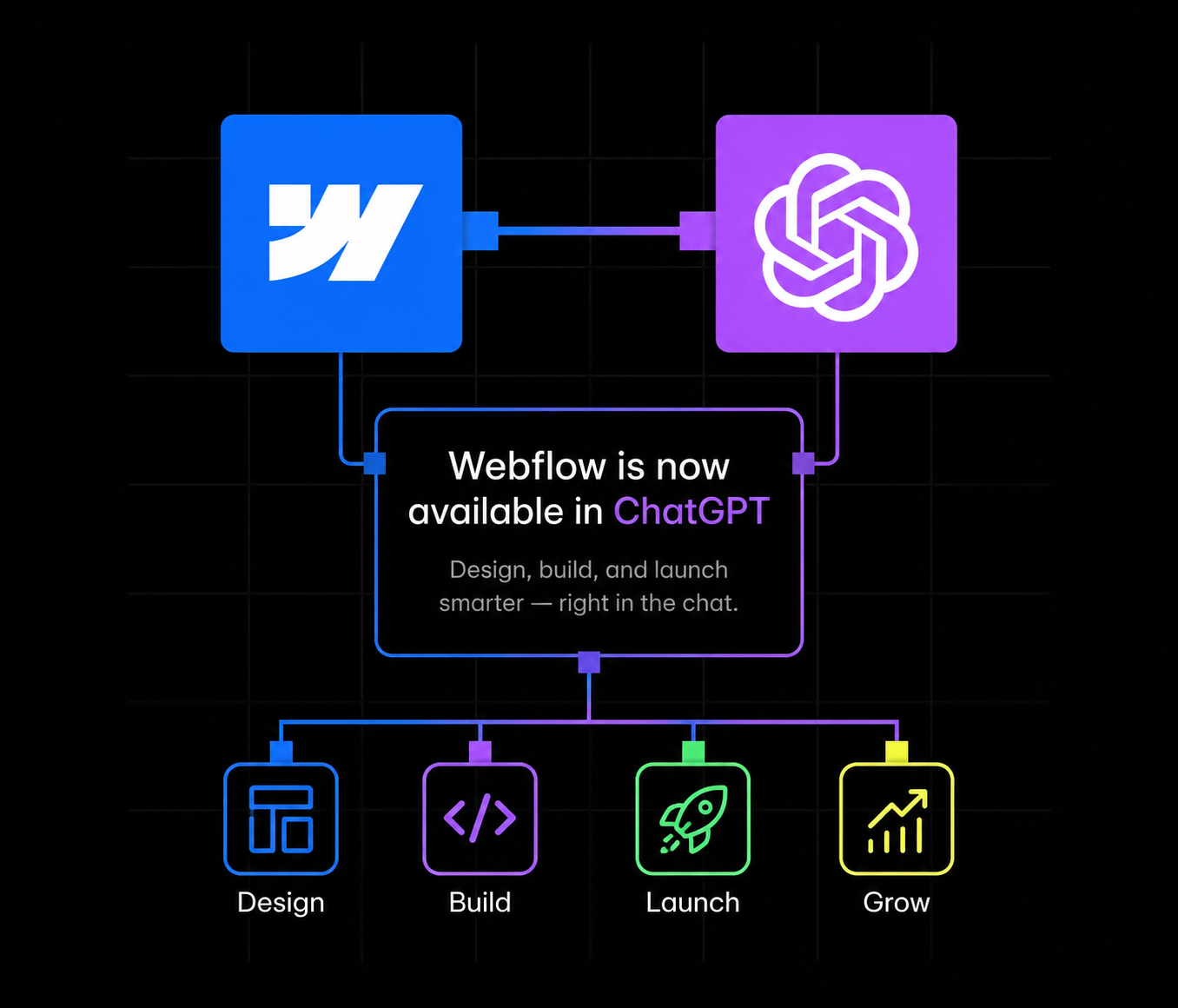
On July 1, 2026, Webflow rolled out a native app inside ChatGPT, giving marketers, founders, and site owners a completely new way to manage their websites. Instead of logging into the Webflow Designer or the CMS dashboard, teams can now open a ChatGPT conversation, mention the Webflow app, and ask it to audit a page, update a blog collection, or analyze site performance. It sounds small on the surface, but it is one of the clearest signals yet that website management is moving from click-based dashboards to conversational, agent-driven workflows.
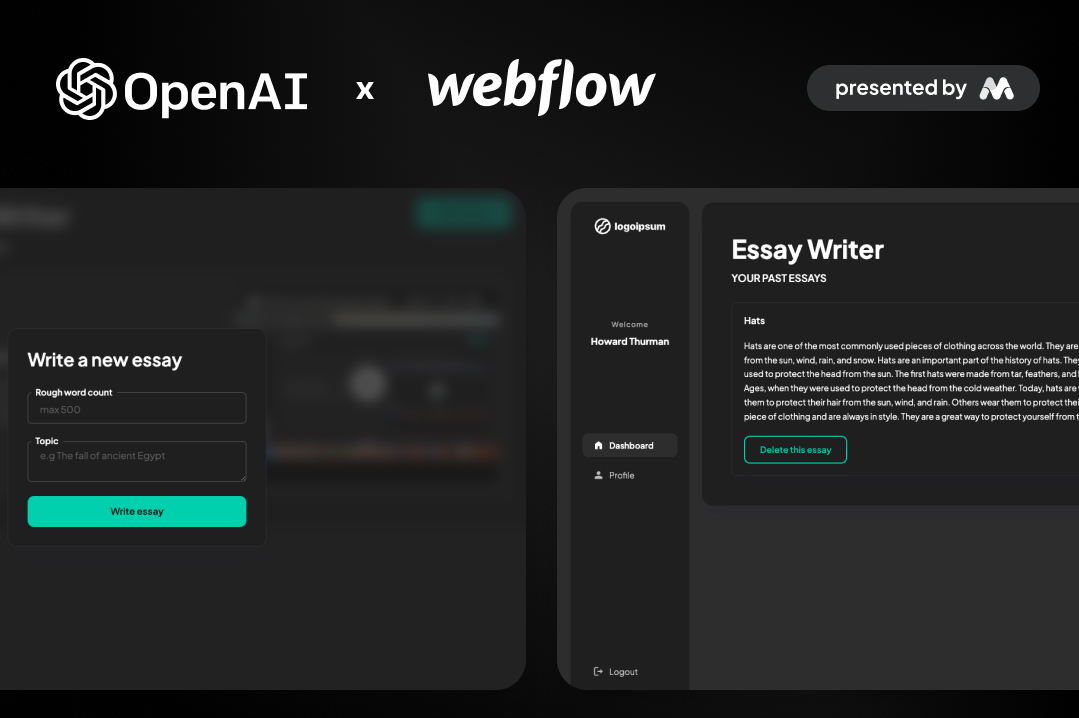
For agencies and in-house teams that rely on Webflow for their web presence, this update is worth understanding in detail. It changes how content gets published, how SEO fixes get implemented, and how quickly a site can respond to opportunities. This post breaks down what the Webflow ChatGPT app actually does, how the underlying technology works, how to set it up, and what it means for anyone investing in a Webflow build, whether that is a fresh Webflow development project or an existing site that needs ongoing content operations.
It also fits into a broader pattern worth paying attention to. Over the past year, AI assistants have moved from simply answering questions to taking real actions inside real software, email, calendars, project management tools, and now website platforms. Webflow choosing to build this connection through an open protocol rather than a closed, proprietary integration is a signal about where the platform is headed, and it raises the bar for what "good SEO" and "clean CMS structure" actually mean, since those foundations now directly determine how well an AI assistant can read and act on a site.
Webflow describes the new app simply: it lets you manage your Webflow sites, from content updates to SEO fixes, directly inside ChatGPT. The app is built on the Model Context Protocol (MCP), an open standard that lets AI assistants like ChatGPT connect to external tools and data sources in a structured, permissioned way. Rather than ChatGPT guessing at what a Webflow site looks like, the MCP server gives it real, live access to a site's CMS collections, pages, and structure, so it can take grounded actions instead of generic suggestions.
Once connected, a user can @mention Webflow in a ChatGPT conversation and ask it to do things like update a Blog Collection. ChatGPT can generate the content, create new Collection items, and publish them straight to the live site, all without anyone opening the Webflow Designer. That is a meaningful shift for teams that have historically treated content publishing and technical SEO as two separate workflows handled by two different people.
Access is currently free. Webflow has stated that the ChatGPT app does not consume AI credits at launch, though it has also signaled that certain AI-powered actions may start requiring credits as the feature set expands. Anyone rolling this out at scale should keep an eye on that pricing evolution, especially if a team plans to use it heavily for CMS content generation across a large site.
The Model Context Protocol is the piece doing the real work here. MCP is designed to standardize how large language models talk to external software, similar to how an API standardizes how two applications talk to each other. Webflow runs an MCP server that exposes site data and site actions (reading pages, updating CMS items, publishing changes) in a way that a connected AI assistant, in this case ChatGPT, can call safely.
This matters because it is different from ChatGPT simply "knowing about" Webflow from its training data. With MCP, the assistant is making live calls against a specific, authorized Webflow site or Workspace. That is what allows it to give an accurate SEO audit of an actual page rather than a generic checklist, or to create a real CMS Collection item that shows up on the live site a minute later.
By default, ChatGPT will ask for approval before taking any action inside a connected Webflow site. So a request to update a landing page or publish a blog post triggers a confirmation step rather than an automatic change. Access itself is scoped: only Workspace owners, Workspace admins, and Site managers can authorize a Webflow MCP connection in the first place, which keeps the integration inside normal team permission structures rather than opening it up to anyone with a login.
This is the same architectural pattern showing up across the AI tooling world right now, agents that connect to real systems through protocols like MCP rather than operating purely on static training data. For teams that have already invested in Webflow integrations with their CRM, analytics, or automation stack, this ChatGPT connection is really just one more node in that same connected ecosystem.
It is also worth understanding why Webflow chose MCP specifically rather than building a one-off ChatGPT plugin. An open protocol means the same underlying server can, in principle, support connections from multiple AI assistants over time, not just ChatGPT. Webflow has already built comparable connections for Slack and is developing its own AEO agent tooling, so the MCP server is functioning as shared infrastructure across several AI touchpoints rather than a single-purpose integration built and maintained separately for each one. For agencies and technical teams evaluating whether to invest time in this workflow, that architectural choice is a reasonable signal that the underlying connection is likely to be supported and extended rather than treated as a short-lived experiment.
Setting up the connection takes a few minutes and does not require any code. Here is the process as Webflow has documented it:
After authorization, you can manage or revoke the connection at any time from ChatGPT under Settings, then Connected apps. If your team works across multiple sites, you can be selective about exactly which properties get connected rather than exposing an entire Workspace at once, which is a sensible default for agencies managing client sites or larger companies running several brand sites off one Workspace.
Once the connection is live, the practical use cases fall into three broad categories.
Auditing and fixing. You can ask ChatGPT to review a page or an entire site for SEO issues, content quality problems, or usability gaps, and then implement the fixes directly rather than just producing a list of recommendations you have to act on separately. This closes a gap that has existed in most SEO workflows for years: the audit and the fix have always been two separate steps, often handled by two different people or tools.
Content operations. ChatGPT can create and update CMS content across your Collections. If your blog runs on Webflow's CMS, this means you can draft a post, ask ChatGPT to format it correctly, and publish it as a live Collection item without touching the Designer. Anyone who has spent time structuring a Webflow CMS around Collections, reference fields, and dynamic templates will recognize how much manual clicking this can remove from routine publishing. Teams that want a deeper understanding of how Webflow's CMS is structured before automating it should look at a resource like the Complete Webflow CMS Guide, which walks through Collections, dynamic pages, and CMS best practices in detail.
Site analysis. With the Analyze add-on connected, ChatGPT can review site structure, content, and performance data to surface what is working and what needs improvement. This turns a reporting task that used to require pulling data manually into something you can ask about conversationally, in the middle of a normal work session, instead of scheduling a separate audit.
This launch does not exist in isolation. Webflow has been building out Answer Engine Optimization (AEO) tooling for a while now, aimed at helping sites show up in AI-generated answers rather than just traditional search rankings. The ChatGPT app is a natural extension of that strategy: it puts Webflow directly inside the interface where a growing share of research, comparison shopping, and content discovery is now happening.
There is also a more direct connection. Since ChatGPT can now read and act on live Webflow site content through this integration, structured, well-organized CMS content becomes more valuable, not less. AI agents parsing a site for answers still rely on clear content hierarchy, accurate metadata, and clean internal linking to understand what a page is actually about. Teams that have already invested in Webflow AEO agents to improve how their content performs in AI-driven answers are well positioned to benefit from this shift, because the underlying content structure that helps AEO agents also helps an assistant like ChatGPT act on the site correctly.
For sites that have not yet addressed technical SEO and structured content at the foundation level, this is a good moment to prioritize it. A Webflow AEO and SEO service focused on structured content, schema markup, and entity optimization builds the same foundation that makes both traditional search and AI-driven discovery work well, which is increasingly the same problem viewed from two angles rather than two separate disciplines.
At launch, Webflow has made the ChatGPT app free to use and confirmed it does not draw down a Workspace's AI credit allocation, which is the internal currency Webflow uses to meter other AI-powered features inside the platform. That is a meaningful detail for teams evaluating whether to roll this out broadly, since it removes cost as a barrier to testing the integration on a real site.
Webflow has also been direct that this is an evolving feature. As the app's capabilities expand, some AI-powered actions may begin consuming AI credits. Teams that plan to lean on this integration heavily, for example using it as a primary CMS publishing workflow, should treat the current free access as a launch window rather than a permanent state, and keep an eye on Webflow's product updates as the feature matures.
Marketers and content teams get the most immediate benefit. Publishing a blog post, updating a landing page, or fixing an on-page SEO issue no longer requires waiting on a developer or learning the Designer interface. A marketer who already writes in ChatGPT for drafting can now push that content live from the same conversation.
Developers and technical teams benefit differently. Instead of fielding small content requests or minor CMS updates, developers can stay focused on structural work like custom interactions, Webflow design systems, and performance optimization, while routine content operations move to marketers using ChatGPT. It also opens the door to more sophisticated automated workflows once combined with Webflow's broader integration ecosystem connecting Webflow to CRMs, analytics platforms, and other business tools.
Agencies managing multiple client sites have perhaps the most to gain and the most to think through. On one hand, this integration can meaningfully speed up ongoing retainer work, quick content updates, small SEO fixes, and structure reviews. On the other hand, agencies need clear internal guidelines about which actions are safe to hand to an AI-driven workflow versus which changes still require a designer's review, particularly for anything touching a client's core brand pages.
Any time an AI assistant gets write access to a live website, governance questions follow. Webflow has addressed some of this at the platform level. Only Workspace owners, Workspace admins, and Site managers can authorize the MCP connection to begin with, and ChatGPT asks for approval by default before executing an action on a connected site.
Even with those guardrails, teams should set their own internal policy before turning this on broadly. A few practical recommendations:
None of this is a reason to avoid the integration. It is a reason to treat it the way any team would treat a new person with publishing access: with clear rules about scope from day one.
It is also worth thinking about how this changes the review process itself. Historically, a site owner reviewed a designer's or developer's changes before they went live. With an AI assistant making direct CMS or content updates, that review step either has to happen through the ChatGPT approval prompt in the moment, or through a scheduled check of recent changes inside Webflow's version history. Teams that skip both are the ones most likely to run into avoidable mistakes, not because the technology is unreliable, but because removing a human checkpoint always increases the importance of the checkpoints that remain.
The Webflow ChatGPT app is part of a larger pattern rather than a standalone feature. Webflow already supports AI-assisted workflows through its own AI credit system, its AEO agents, and dedicated AI-integration services such as Webflow Claude, which connects Claude and AI workflows to Webflow for content operations and automation. The ChatGPT app effectively adds another entry point into that same set of capabilities, meeting teams wherever they are already working, whether that is inside Claude, inside ChatGPT, or inside Webflow's own AI tools.
The practical implication is that a Webflow site is no longer just a website. It is becoming a connected system that multiple AI assistants can read from and act on, provided the right permissions and integrations are in place. Sites that are well structured today, with clean CMS Collections, accurate metadata, and sensible internal linking, are the ones that will get the most reliable results from any of these AI-driven workflows going forward.
Connecting ChatGPT to a Webflow site is straightforward. Getting real value out of it depends on the quality of the site underneath the connection. An AI assistant can only audit, fix, and publish effectively if the CMS is structured cleanly, the content model makes sense, and the technical SEO foundation is solid.
As a Webflow Premium Partner, Appsrow works with growing B2B and SaaS teams on exactly this kind of foundation. That includes structuring CMS Collections properly during a new Webflow development build, handling a clean Webflow migration from WordPress, HubSpot, or another platform without losing SEO equity, and building out the AEO and technical SEO layer that makes both AI agents and traditional search engines understand a site correctly. For teams that also want their site actively converting better while it becomes more AI-accessible, Appsrow's conversion rate optimization work pairs data-driven design changes with the same content structure that benefits AI-driven tools like the new Webflow ChatGPT app.
If your site was built years ago, on Webflow or elsewhere, without AI-readiness in mind, now is a reasonable time to have that foundation reviewed before layering conversational AI tools like ChatGPT on top of it.
Webflow's arrival inside ChatGPT is a small setup step with a fairly large downstream effect on how content and SEO work get done. It removes friction between identifying a problem and fixing it, and it puts CMS publishing inside a conversational interface that many marketing and content teams already use daily. The sites that benefit most will be the ones with a clean, well-structured foundation already in place, which makes this a good moment to review CMS structure, internal linking, and technical SEO rather than assuming the AI layer will compensate for gaps underneath it.
GOT QUESTIONS ?
CURATED READING